Office Lunch Bill Splitter for Indian Teams (2026) — End the WhatsApp Chaos
Tired of the daily Swiggy order chaos, the lunch pool spreadsheet nobody maintains, and the colleague who never pays their share? Here's how Indian office teams use Niptao to split lunch bills and settle via UPI weekly.
Every Indian office has its lunch money drama. The colleague who places the Zomato order every day but hasn't settled in three weeks. The rotating "who pays today" system that nobody actually tracks. The person who joined the lunch pool but then started working from home half the week and still hasn't sorted their share. The birthday cake fund that one person keeps topping up from their own pocket.
All of this is completely solvable. Here's how.
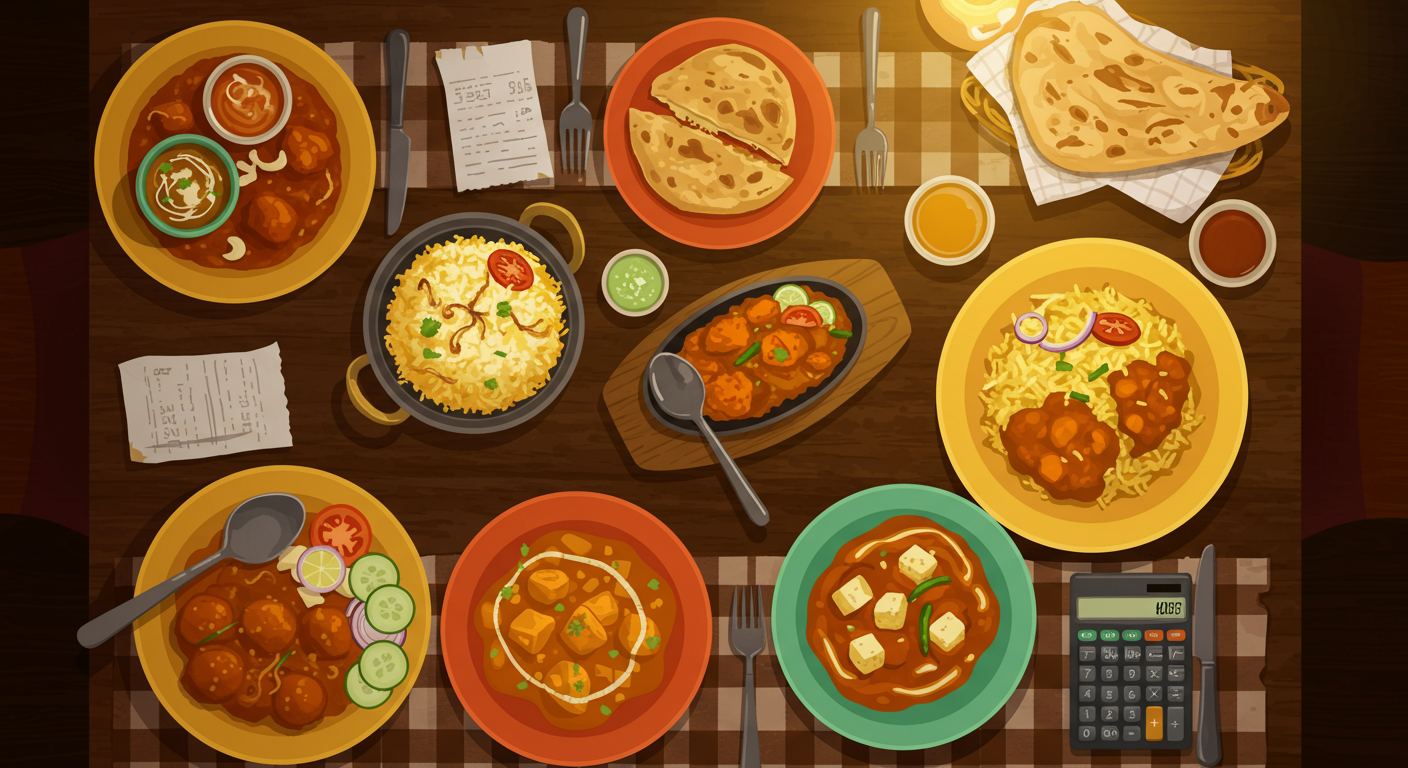
The Four Office Lunch Scenarios (And Their Problems)
Scenario 1: Daily Group Swiggy/Zomato Order
The most common. One person places the consolidated order, gets the cashback, and then… waits for 7 other people to pay them back. They keep a WhatsApp note. Two people forget. One person's order was different from what they said they wanted. One person was on a call during lunch and technically didn't eat.
By Friday, the note is 4 messages ago and the amounts are already fuzzy.
Scenario 2: Restaurant Friday Lunches
The weekly team outing to the nearby restaurant. 11 people, one bill, one person's card. Quick mental math at the table — everyone throws in ₹500 — and somehow the total doesn't add up because 4 people had drinks and 7 didn't and one person left early.
Scenario 3: The Office Snack Pool
Teams often pool for office snacks — biscuits, chai and coffee supplies, occasional treats. One person manages the "office kitty" with everyone chipping in ₹300–₹500 per month. With 12 people, that's ₹4,800–₹6,000 to track manually, monthly.
Scenario 4: Annual Party and Team Events
End-of-year party, farewell dinner, Diwali celebration. Large one-time expenses that need transparent documentation — both for fairness among the team and for any company reimbursement claim.
Setting Up Niptao for Your Office Team
Create the Right Groups
Don't use one group for everything. Create separate Niptao groups for each context:
- "Engineering Team Lunch" — for daily orders and restaurant outings
- "Floor 3 Snack Pool" — for the monthly communal snack fund
- "Q3 Team Party" — one-off event, separate from daily expenses
This keeps the expense history clean and makes reconciliation far easier.
The Weekly Settlement Rhythm
The most functional office expense rhythm is weekly settlement. Here's how it works:
- Every day, whoever places the order (or pays for lunch) logs it in Niptao: "Zomato order — ₹2,800 — 7 people"
- Takes 30 seconds per entry
- Every Friday at 5pm (or Monday morning), Niptao shows the week's net balances
- 3-4 UPI transfers settle the entire team's accounts
No WhatsApp follow-up. No "I'll pay you tomorrow." Clean every week.
Sample Weekly Settlement: Team of 8
Here's what a typical week's lunch expenses might look like for a Bangalore tech team:
| Day | Expense | Amount | Who Paid |
|---|---|---|---|
| Monday | Swiggy order | ₹2,400 | Priya |
| Tuesday | Restaurant lunch | ₹3,800 | Rahul |
| Wednesday | Swiggy order | ₹2,100 | Sneha |
| Thursday | Restaurant birthday lunch | ₹5,200 | Karan |
| Friday | Pizza order | ₹2,800 | Priya |
Total: ₹16,300 across 5 days, 8 people = ₹2,038 per person for the week.
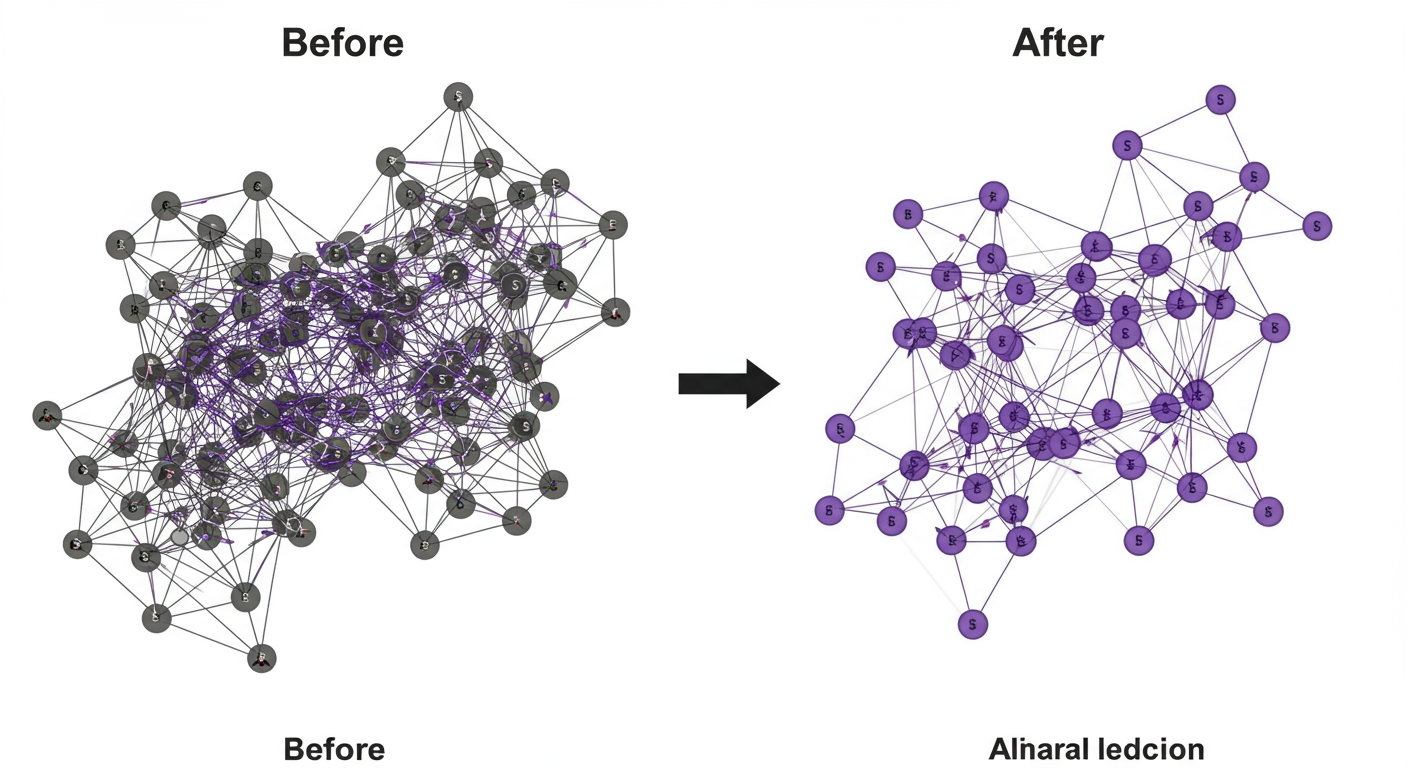
Niptao's debt simplification collapses what would otherwise be 28 potential individual transfers (8 people each owing 7 others) into 4–5 clean UPI transfers. Done in 3 minutes.
Setting Up a Monthly Lunch Pool
Some teams prefer a pool approach rather than tracking individual orders:
Month-start: Everyone contributes ₹1,200–₹1,800 to the pool (estimated monthly lunch cost)
During the month: All lunch expenses are logged and paid from whoever places the order; Niptao tracks against the pool contribution
Month-end: Over or under amounts are reconciled — either small top-up UPI transfers or refunds
This works especially well for teams that order together daily and have predictable lunch habits. Log pool contributions in Niptao just like any other expense — everyone can see the running balance.
Handling Common Office Lunch Complications
Someone Works From Home Some Days
Two options:
- Per-attendance tracking — they only contribute on days they're in office (more accurate, more admin)
- Fixed contribution minus WFH days — deduct a per-day amount from their pool contribution (simpler)
Agree upfront which approach you'll use. Log it as the standard for the group.
Someone Always Orders More Expensive Items
If one team member consistently orders significantly more expensive items from Zomato while others stick to basic meals, equal split becomes unfair over time.
Solution: Use custom split for that order — log their personal overage separately. "Standard team share: ₹350 each. Vikram ordered the premium thali: ₹550. Vikram's extra: ₹200 — his alone."
This is worth doing for consistent patterns, not for every minor difference.
Birthday Lunches and Special Occasions
The tradition of the birthday person not paying for their own birthday lunch is lovely. In Niptao, simply exclude the birthday person from their own birthday lunch expense:
- Log the full amount
- Split among all non-birthday attendees
- The birthday person's share: ₹0
Their balance is unaffected. Everyone else covers them. Clean and kind.

The Person Who "Forgot Their Wallet"
Happens. Log their share in Niptao. They see their balance. The social nudge of a visible, tracked balance is usually enough to prompt payment within the day. Don't let it accumulate — address it at the weekly settlement, not three months later.
Office Snack Pool Tracking
If your team runs a monthly snack pool:
- Log each person's monthly contribution as an expense from them to the group
- When snacks are bought, log the purchase as a group expense
- Niptao shows the net — who has contributed more or less than their share
This makes the pool completely transparent — anyone can check the balance at any time, not just the one person managing the "kitty."
Why This Beats the Current Systems
| System | Transparency | Accuracy | Effort | UPI Integration |
|---|---|---|---|---|
| WhatsApp notes | Low | Poor | Medium | No |
| Mental tally | None | Very poor | None (until chaos) | No |
| Excel spreadsheet | Medium | Good | High | No |
| Dedicated app (Splitwise) | High | Good | Medium | Limited |
| Niptao | High | Excellent | Low | Yes (native) |
The UPI integration is the real differentiator for office contexts — the actual settlement happens in the same ecosystem as the tracking. No separate apps, no cash, no awkward reminders.
Ready to niptao karo? Create a free group on Niptao and settle via UPI in seconds.
Ready to try Niptao?
Free bill splitting with UPI settlement. No credit card needed.
Get started free →