Receipt Photo Expense Tracking: Why Your Group Needs It
A receipt photo attached to a shared expense eliminates 90% of disputes before they start. Here's why Indian flatmates, trip groups, and office teams should be tracking receipts — and how to do it right with Niptao.
Here's a scenario that happens in every Indian friend group and flatmate household:
Two weeks after a trip, someone questions an expense. "₹4,200 for dinner? That seems high. I don't remember it being that expensive." The person who logged it insists it's right. Nobody has the actual bill. The number sits in the expense tracker without context, and now it's become A Thing.
One photo of the restaurant receipt would have prevented this entirely.
Receipt photos are the single easiest upgrade to your group's expense tracking — and they cost 10 extra seconds per expense.
Why Memory-Based Expense Logging Fails
Even with the best intentions, logging expenses from memory introduces errors:
Approximate amounts. You remember "about ₹3,500" but the actual bill was ₹3,742 including service charge and GST. ₹242 per expense, across 30 expenses on a week-long trip = ₹7,260 in cumulative estimation error.
Missing personal items. The grocery receipt included your personal snacks (₹280) and a vitamin supplement (₹450). When logging "groceries — ₹2,800" from memory, you might accidentally include personal items in the shared total.
Wrong date. You logged Tuesday's dinner on Wednesday morning and accidentally dated it Wednesday. Minor, but causes confusion when reviewing the trip chronologically.
Misremembered context. "What was the ₹1,800 transport charge?" If there's no receipt and you logged it as "taxi" without more detail, nobody remembers which taxi or when.
These errors accumulate into distrust. Receipt photos eliminate them entirely.
What a Receipt Photo Actually Proves
Attaching a photo of the receipt to an expense entry establishes:
Exact amount — ₹3,472, not "approximately ₹3,500." No rounding, no estimation.
Itemised breakdown — critical when you need to custom-split between drinkers and non-drinkers, or between veg and non-veg orders, or between personal and shared grocery items.
Date and timestamp — most Indian restaurant bills and store receipts include date and time. "I never agreed to that expense" becomes impossible when the receipt shows it was on the trip at the restaurant you all went to.
Vendor information — "Oh, that was the rooftop restaurant in Pondicherry" is immediately clear from the receipt header. No more "I don't know what that expense was."
GST breakdown — essential for office expense reimbursements in India, where the finance team needs GST details for input tax credit claims.
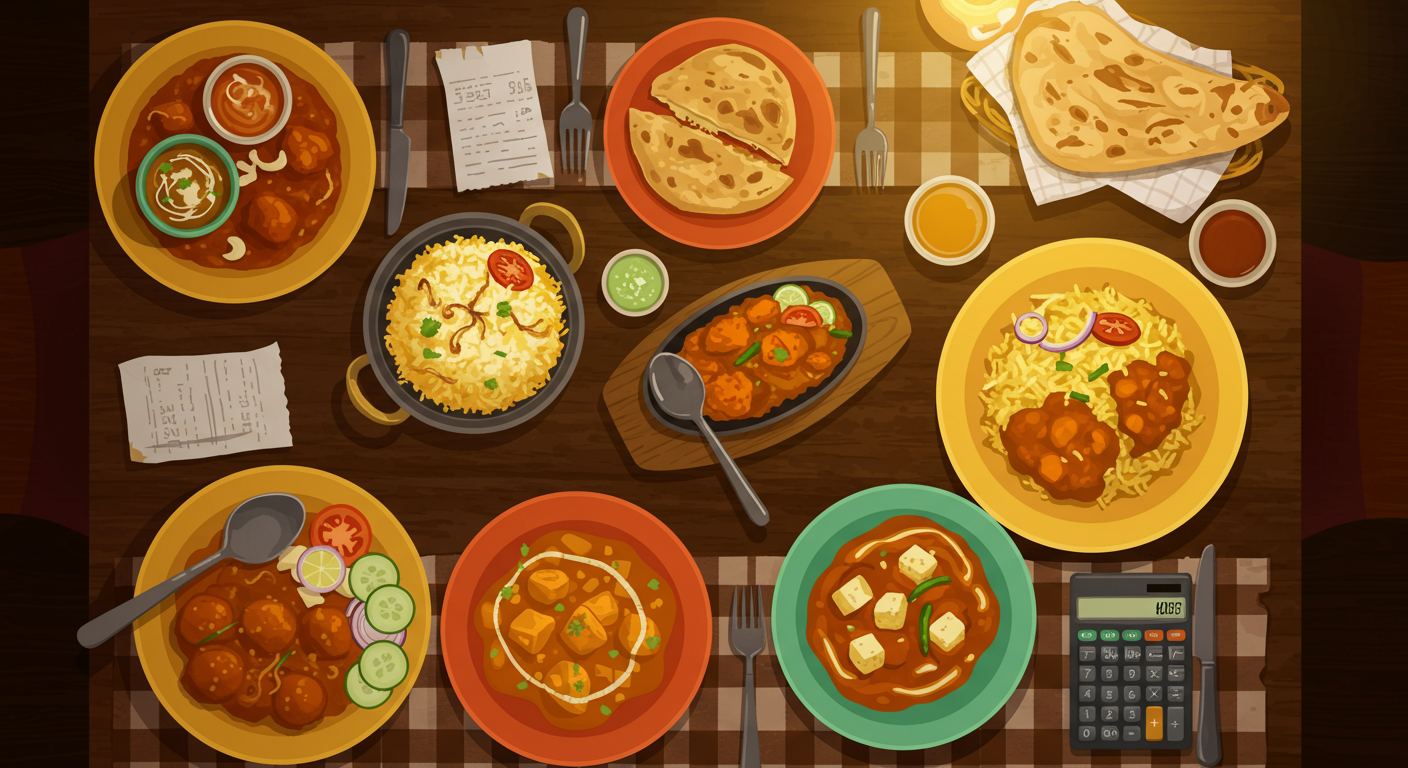
The Types of Receipts Worth Photographing
Not every expense needs a receipt photo. Use your judgment — here's a guide:
Always Photograph
Restaurant bills — especially when the group has mixed dietary habits (veg/non-veg, drinkers/non-drinkers). The itemised bill makes custom splits self-explanatory. When Rahul ordered the ₹800 mutton platter and Priya had the ₹220 dal makhani, the receipt shows exactly why the split is different.
Hotel and accommodation bills — hotel bills include room charges, service charges, GST, and sometimes extras. The itemised bill ensures everyone is splitting exactly what they agreed to, not what someone remembered.
Utility bills — electricity, water, gas. These have official amounts, billing periods, and due dates that can be referenced in any later dispute. Keep a photo record every month.
Large one-off purchases — equipment, festival supplies, group trip activities. Any expense above ₹1,000 that might be questioned deserves a receipt.
Fuel receipts on road trips — petrol pump receipts show the volume, rate per litre, and total. Useful when tracking road trip fuel costs among multiple drivers.
Skip the Receipt For
- Auto and rickshaw fares (rarely have receipts)
- Petty cash spends under ₹100
- Daily chai or street food
- Parking at small lots
The general rule: photograph receipts for expenses that might be questioned. Skip it for amounts that are obviously small and uncontroversial.
Screenshot Digital Receipts
For Swiggy, Zomato, Amazon, Flipkart, and MakeMyTrip orders — screenshot the order confirmation or the "order delivered" receipt. These are cleaner than paper receipts and permanently accessible.
For UPI payment confirmations — screenshot the confirmation when one person pays a large amount on behalf of the group. The UPI reference number provides an independent verification trail.
How to Use Receipt Photos in Niptao
Niptao makes attaching receipt photos part of the natural logging flow:
- Log the expense — enter amount, description, group, split method
- Tap "Add Receipt" — opens your camera or photo gallery directly
- Photograph the receipt — paper bill at the restaurant, digital screenshot from app
- Save — the photo is permanently attached to the expense, visible to all group members
No separate storage needed. No "where did I save that photo?" moments. The receipt travels with the expense record, forever.
Receipt Photography Tips for Real-World Indian Settings
Take the photo at the restaurant, not at home. The bill is clearest when you're sitting there with good lighting and the receipt is flat on the table. Once you're in the Ola on the way home, the receipt is in your pocket and you'll never take that photo.
Lay the receipt flat. A crumpled, folded receipt is hard to read in a photo. Lay it flat on the table, smooth it out, then shoot.
Include the total AND the breakdown. Make sure both the itemised list and the final total are visible in the photo. For long grocery receipts, take two overlapping photos.
Use the flash in dim restaurants. Most upscale Indian restaurants are quite dark. The phone flash will give you a clean, readable receipt photo that the ambient mood lighting won't.
Screenshot digital receipts immediately. Don't rely on "I'll find it in the app later." Screenshot Swiggy/Zomato orders right after placing them, before the 30-minute delivery window elapses.
For Office and Professional Contexts
Receipt photos have a dual purpose in office settings:
- Team transparency — all group members can verify what was ordered and at what price
- Finance reimbursement — many Indian companies require receipts for expense claims; logging them in Niptao simultaneously tracks the team split and creates the documentation trail for the finance team
If your company requires itemised receipts with GST for reimbursement, the photo attached to the Niptao expense is exactly that documentation. No additional steps, no hunting through your phone's gallery three weeks later.
The 10-Second Investment That Prevents 2-Hour Arguments
Photographing a receipt takes 10 seconds. A group dispute about an unverified expense can take hours — spread across WhatsApp messages, memory contests, and hurt feelings.
The math is simple. Make the 10-second investment.
Ready to niptao karo? Create a free group on Niptao and settle via UPI in seconds.
Ready to try Niptao?
Free bill splitting with UPI settlement. No credit card needed.
Get started free →